

Argon Theme Config Plugin
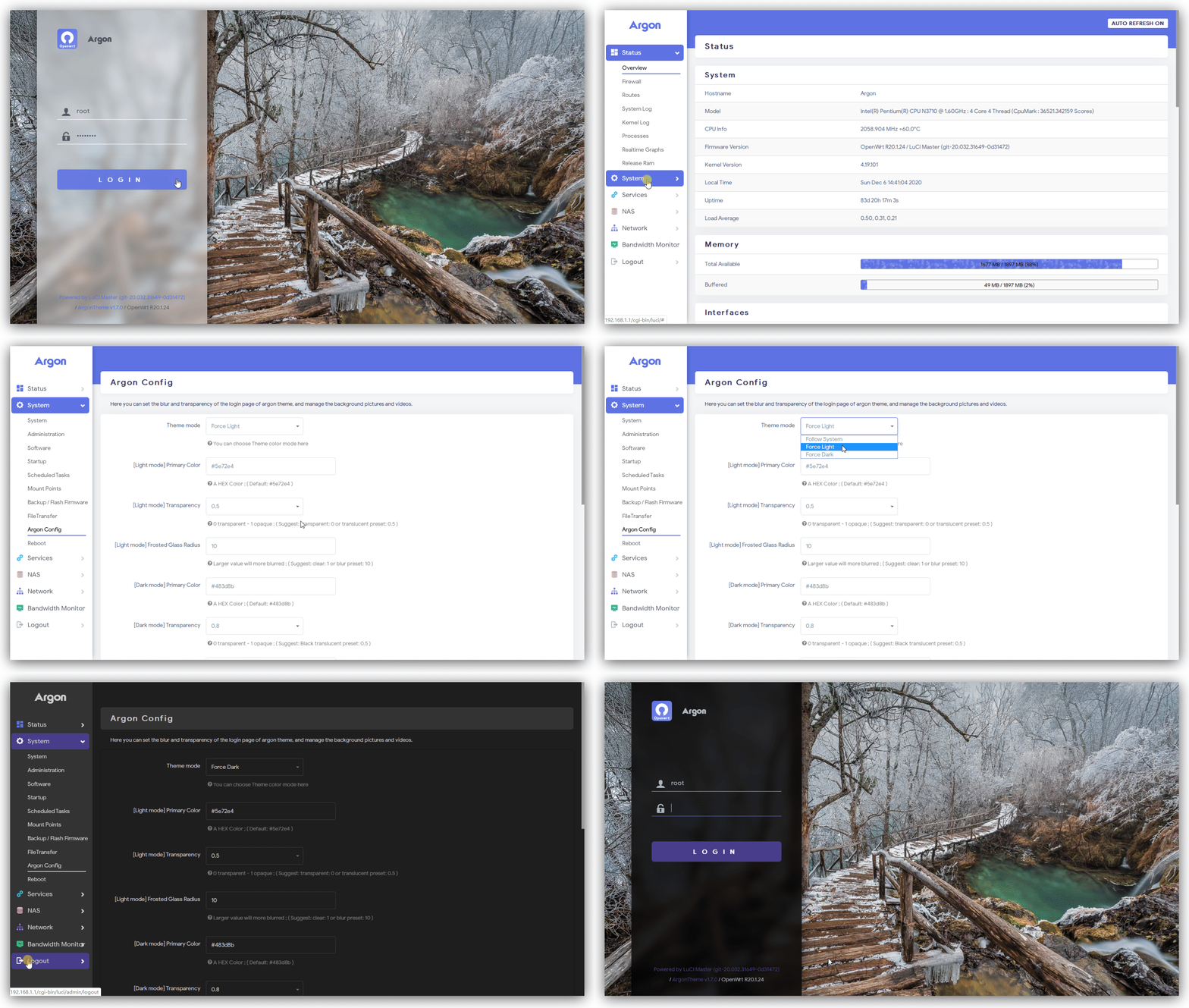
You can set the blur and transparency of the login page of argon theme,
and manage the background pictures and videos.






English | 简体中文
Login page styles
In System → Argon Config, choose Classic sidebar (default) or Centered card. The preview updates as you select a style. Save the settings, then reopen the login page to see the change. Wallpaper, light/dark mode, blur and transparency settings apply to both layouts.
This feature requires a theme version supporting login_style. Update the theme and this plugin together. Existing configurations without this option continue to use the classic layout.
Branch Introduction
There are currently two main branches that are adapted to different versions of the OpenWrt source code.
The table below will provide a detailed introduction:
| Branch | Version | Description | Matching source |
|---|---|---|---|
| master | v1.x.x | Support the latest version of LuCI | Official OpenWrt • ImmortalWrt |
| 18.06 | v0.9.x | Support the 18.06 version of LuCI | Lean's LEDE |
Getting started
Build for Lean's LEDE project
cd lede/package/lean
rm -rf luci-app-argon-config # if have
git clone -b 18.06 https://github.com/jerrykuku/luci-app-argon-config.git luci-app-argon-config
make menuconfig #choose LUCI->Application->Luci-app-argon-config
make -j1 V=s
Build for OpenWrt official SnapShots and ImmortalWrt
cd openwrt/package
git clone https://github.com/jerrykuku/luci-app-argon-config.git
make menuconfig #choose LUCI->Application->Luci-app-argon-config
make -j1 V=s
Contributors
Made with contrib.rocks.
Related Projects
- luci-theme-argon: Argon theme
- openwrt-package: My OpenWrt package
- CasaOS: A simple, easy-to-use, elegant open-source Personal Cloud system (My current main project)