
7.8 KiB
English | 简体中文

A modern OpenWrt LuCI theme built with Vite and Tailwind CSS.
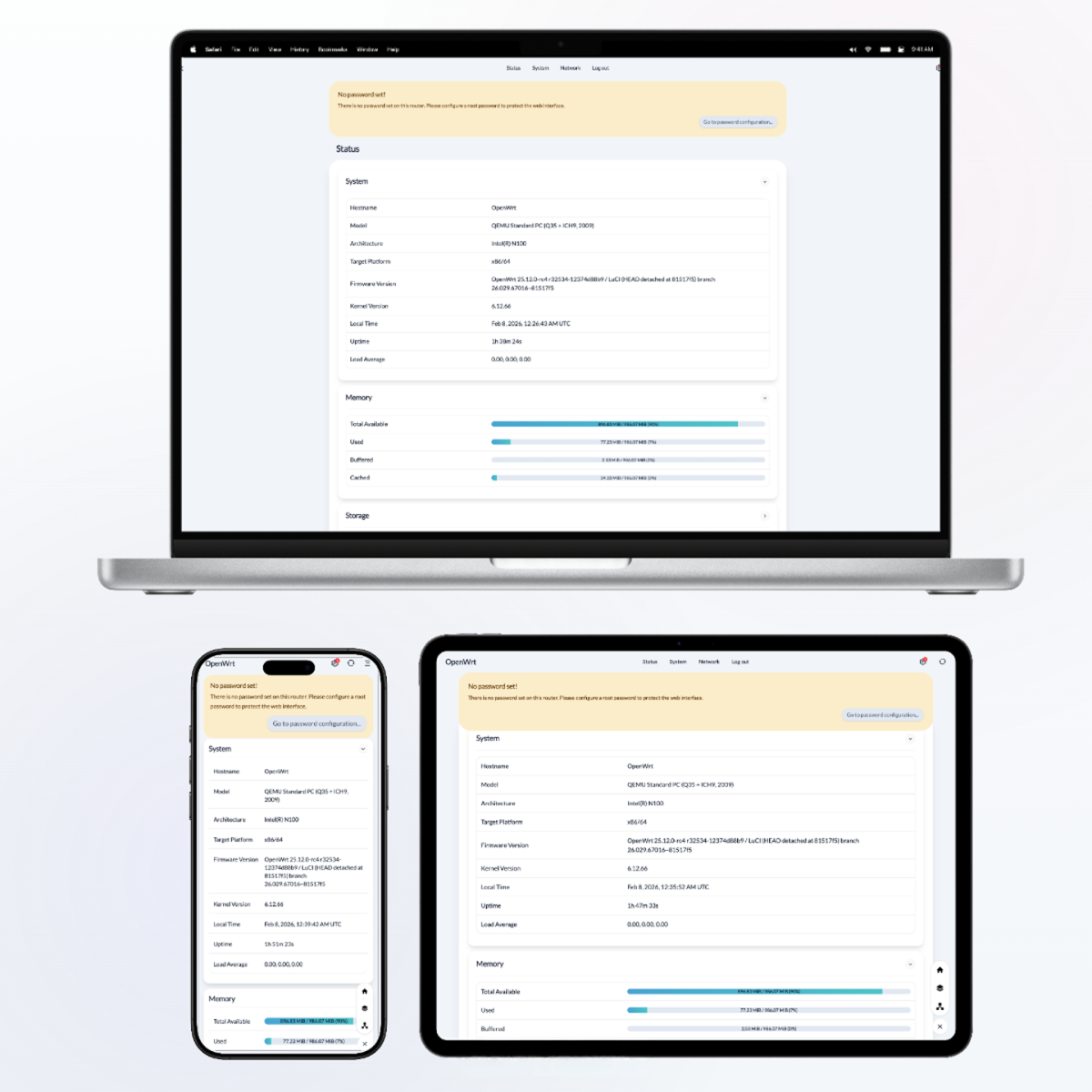
🏔️ Pure | 🦢 Elegant | 📱 Responsive | 🌗 Dark/Light Mode | ⚙️ Settable








Features
- Modern: Modern, content-first UI design with a clean layout and elegant animations.
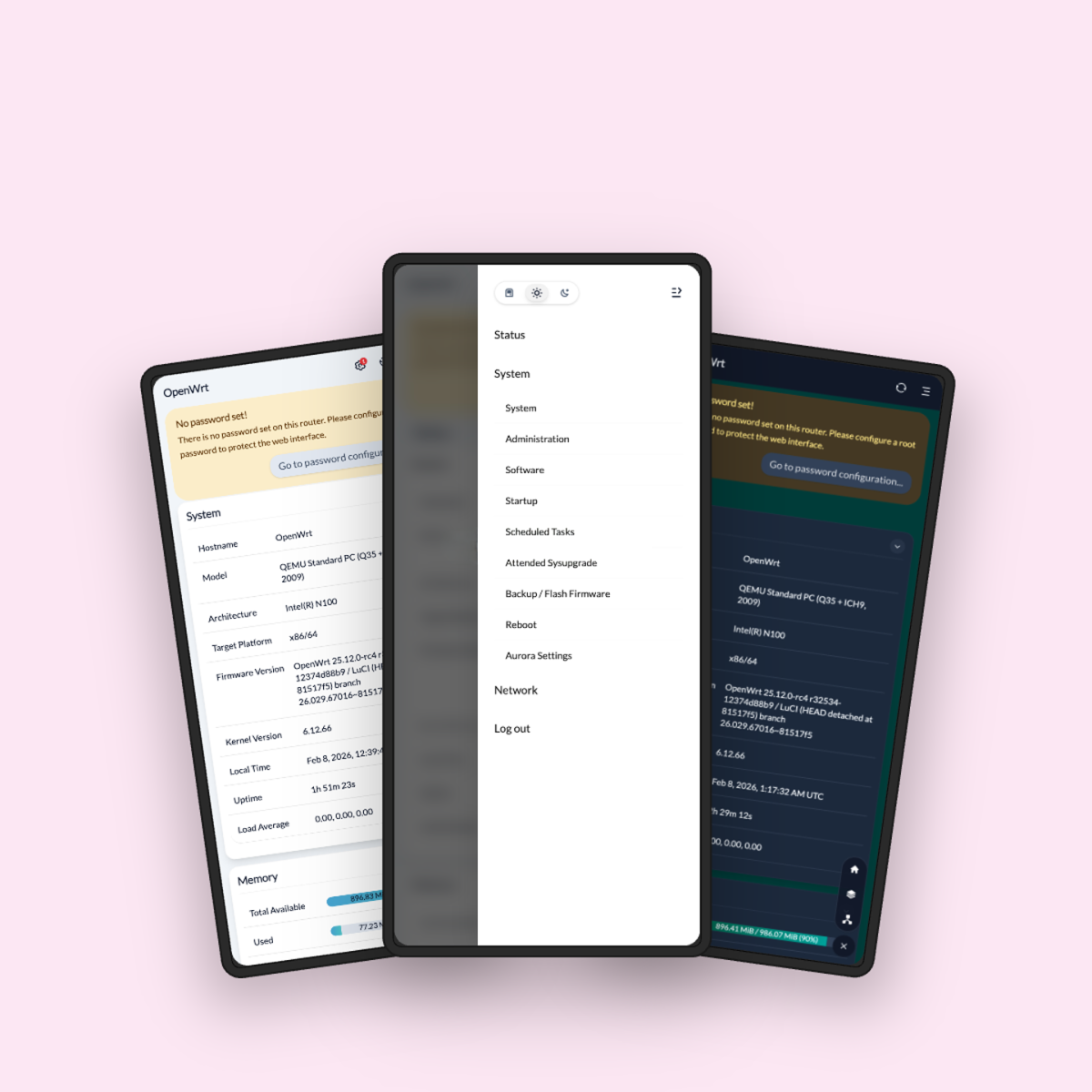
- Mobile-friendly: Optimized for mobile interactions and display, supporting both smartphones and tablets.
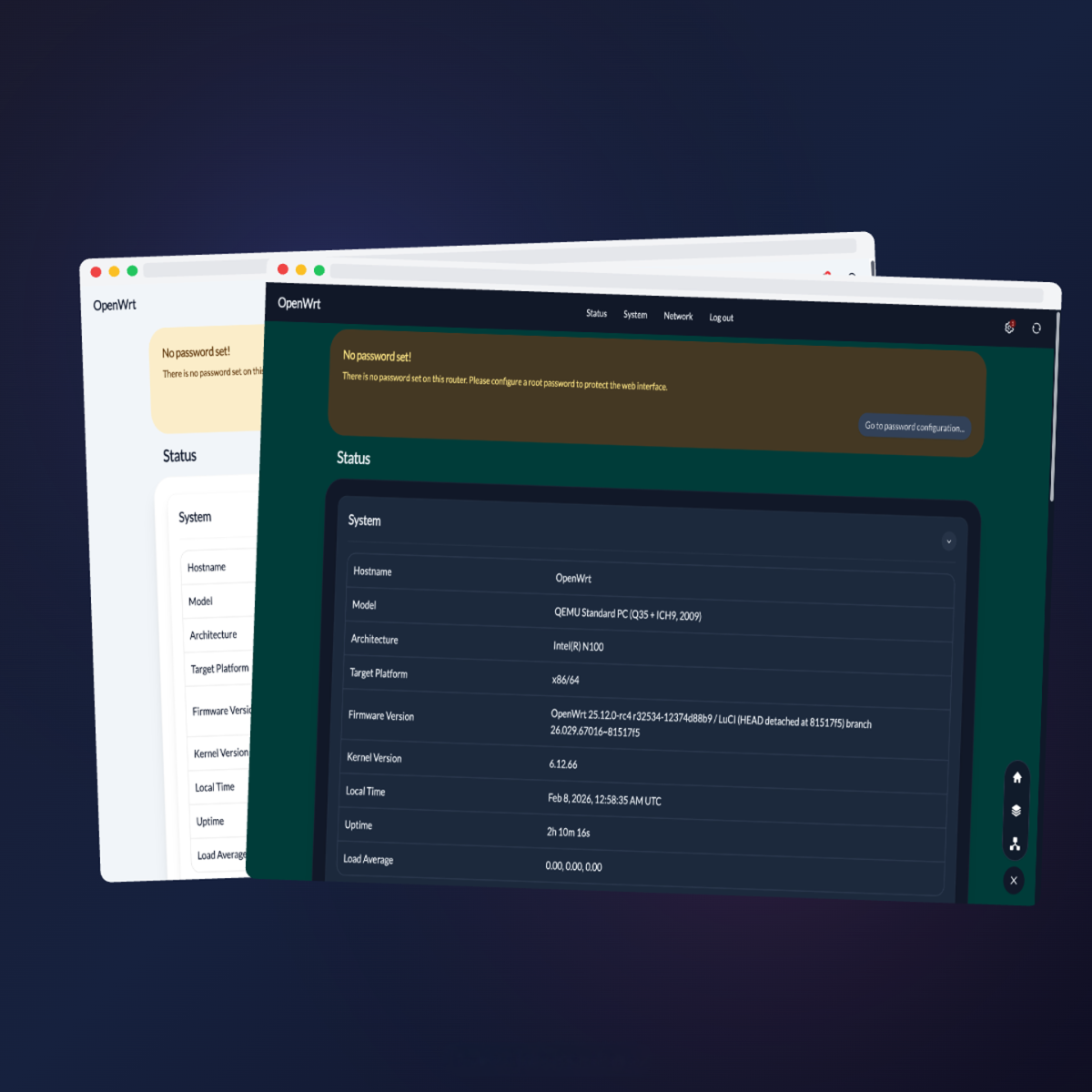
- Theme Switcher: Built-in theme switcher with seamless switching between Auto (system), Light, and Dark modes.
- Floating Toolbar: Clickable button icons for quick access to frequently used pages.
- Installable (PWA): Ships a web app manifest and app icons, so LuCI can be installed to your home screen and launched like a native app.
- Customizable: The luci-app-aurora-config plugin includes multiple built‑in theme presets you can switch between, and lets you customize Light/Dark color tokens, the navigation layout (Mega Menu, Dropdown, Sidebar), layout density, typography, branding (logo, favicons, login background), and the floating toolbar (add or edit frequently used pages).
Preview
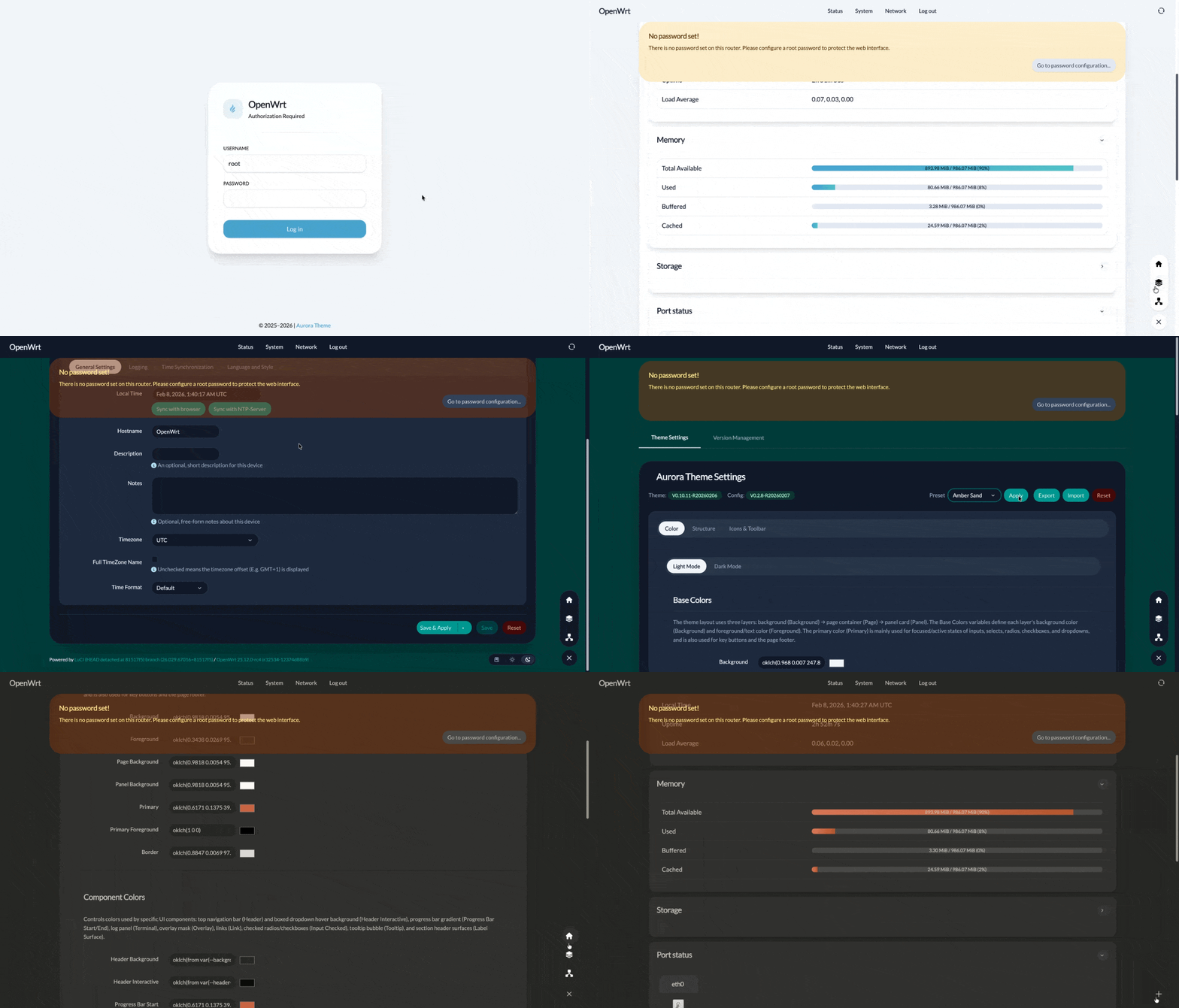
✨ Overview— Modern UI & Elegant Animations
Compatibility
- OpenWrt: Requires OpenWrt 23.05.0 or later, as the theme uses ucode templates and LuCI JavaScript APIs.
- Browsers: Built with TailwindCSS v4. Compatible with the following modern browsers:
- Chrome/Edge 111+ (released March 2023)
- Safari 16.4+ (released March 2023)
- Firefox 128+ (released July 2024)
Install a pre-built release
OpenWrt 25.12+ and snapshots use apk; other versions use opkg:
Tip
: You can confirm your package manager by running
opkg --versionorapk --version. If it returns output (not "not found"), that's your package manager.
-
opkg (OpenWrt < 25.12):
cd /tmp && uclient-fetch -O luci-theme-aurora.ipk https://github.com/eamonxg/luci-theme-aurora/releases/latest/download/luci-theme-aurora_1.1.0-r20260711_all.ipk && opkg install luci-theme-aurora.ipk -
apk (OpenWrt 25.12+ and snapshots):
cd /tmp && uclient-fetch -O luci-theme-aurora.apk https://github.com/eamonxg/luci-theme-aurora/releases/latest/download/luci-theme-aurora-1.1.0-r20260711.apk && apk add --allow-untrusted luci-theme-aurora.apk
Build from source
Build the package yourself with the OpenWrt build system. Host prerequisites: Build system setup. The build writes the package to bin/packages/<arch>/base/ (e.g. bin/packages/x86_64/base/luci-theme-aurora_*_all.ipk); copy it to your router and install it as above.
Via the OpenWrt buildroot
# Clone OpenWrt — the openwrt-24.10 branch builds an .ipk, the main branch builds an .apk
git clone https://github.com/openwrt/openwrt.git
cd openwrt
git checkout openwrt-24.10       # omit to stay on main (snapshots → .apk)

# Add this package and install feeds (provides luci-base)
git clone https://github.com/eamonxg/luci-theme-aurora.git package/luci-theme-aurora
./scripts/feeds update -a
./scripts/feeds install -a

# Select the theme in menuconfig: LuCI → Themes → luci-theme-aurora
make menuconfig

# Build host tools + toolchain, then compile the package
make tools/install -j$(nproc)
make toolchain/install -j$(nproc)
make package/luci-theme-aurora/compile -j$(nproc) V=s
Via the prebuilt SDK (faster)
The OpenWrt SDK bundles a prebuilt toolchain, so the tools/install / toolchain/install steps are skipped. Download the SDK for your target from downloads.openwrt.org (a release SDK builds .ipk, a snapshot SDK builds .apk), extract it, then from the SDK directory:
git clone https://github.com/eamonxg/luci-theme-aurora.git package/luci-theme-aurora
./scripts/feeds update -a
./scripts/feeds install -a

# Select the theme in menuconfig: LuCI → Themes → luci-theme-aurora
make menuconfig
make package/luci-theme-aurora/compile -j$(nproc) V=s
Contributing
Aurora uses Vite and a modern front-end toolchain, and is experimenting with end-to-end AI integration across the full development workflow. See Development Documentation to get started. Suggestions and PRs are always welcome.
Thanks goes to these wonderful people:
 eamonxg |
 cjayacopra |
 chillykidd |
License & Credits
Apache 2.0. Thanks to:
- luci-theme-bootstrap
- Vite
- Tailwind CSS
- Claude Code
- Apple and Vercel — design inspiration